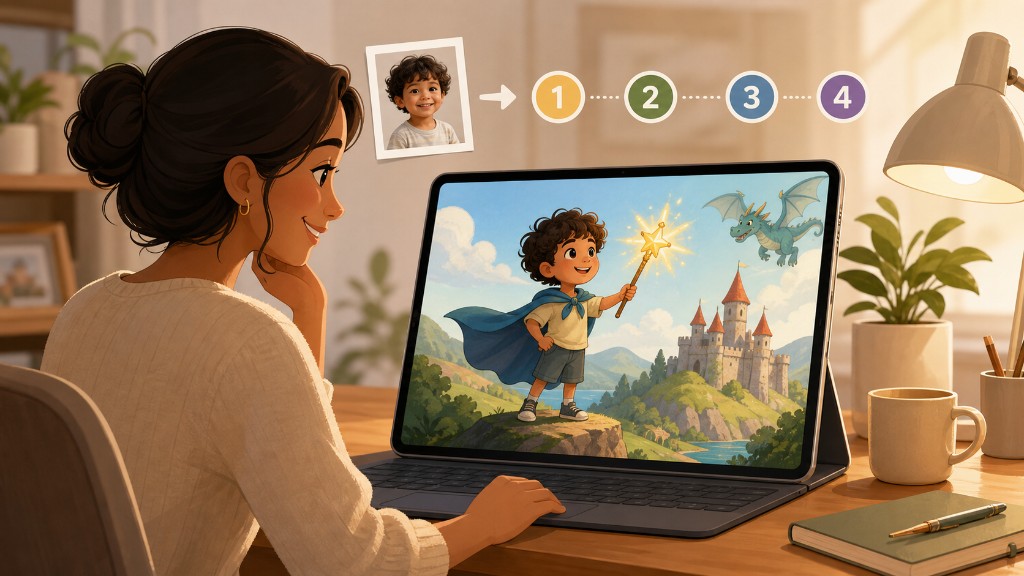
If you are wondering whether you can really get a storybook with your child's photo and name, and whether the process is complicated — on HeroKidStory the flow runs in the browser. You can browse example books without an account; signing in is required to preview and purchase. This guide answers how to create a personalized children's book in the four main steps you see in the app.
To pick the right reading level first, see our age group guide. For gift context, try the birthday gift guide.
Overview: four steps
| Step | What you do |
|---|---|
| 1 | Hero child's name, listening/reading age, gender, hair and eye color |
| 2 | Character photos (at least 1, up to 5 characters) |
| 3 | Theme, story language, illustration style, story idea |
| 4 | Review choices → preview → checkout → book production |
Start here: create your book.
Step 1 — Character details
On the first screen you enter your child's name and listening / reading age (0–1, 1–3, 3–5, 6+). That band sets story length and vocabulary — it matches the product exactly.
You also choose gender, hair, and eye color for consistent illustrations. The name must be at least two characters.
Tip: If this is a gift, pick the band for the child who will hear or read the story.
Step 2 — Upload photos
Upload photos for at least one and up to five characters: child, sibling, parent, pet, or toy.
The system checks face quality and may suggest a crop. For best results:
- Face front-facing, clear, well lit
- Plain background
- Hats or sunglasses should not hide the face
Reference photos are used only during production; originals are deleted when the book is ready — details in FAQ.
Step 3 — Story settings
You make several choices here:
Theme — Adventure, fairy tale, learning & discovery, nature, sports, or custom.
Story language — English, Turkish, and other supported languages.
Illustration style — 3D animation, watercolor, kawaii, and more; sample images appear in the step.
Story idea (three paths)
- Surprise me — A theme- and age-appropriate idea is picked from our pool (not available for custom theme).
- Suggest an idea — AI proposes a story from your selections; you can regenerate if you like.
- I'll write it — You describe a scene or adventure; short text can be expanded with “Develop my idea.”
Custom theme requires your own idea or an AI suggestion. Text goes through children's book safety checks.
Step 4 — Review, preview, order
The final screen summarizes everything. You need to sign in to continue (free account).
Then you can use the StoryTaste preview to sample the story direction before full production. When you are happy, choose a package and complete checkout. Current pricing is on the pricing page.
After payment, most personalized e-books are ready in about 10–15 minutes; busy periods can take longer. You receive a download link by email. You can download PDF and listen to read-aloud in the app.
Common mistakes
| Mistake | Result | Fix |
|---|---|---|
| Wrong age band | Text feels too short or too hard | Age guide + listener's age |
| Blurry / distant photo | Weaker likeness | Close, sharp, front-facing shot |
| Custom theme + empty idea | Cannot proceed | Write a short scene or ask AI |
| Leaving it to the last day | Delay risk in busy times | Allow buffer for gifts |
Frequently asked questions
Can I start without an account?
Yes — you can try early steps and browse examples. Preview and purchase require sign-in.
How many characters can I add?
Up to 5; at least 1 photo is required (usually the hero child).
What does the AI do?
It generates illustrations from photos, writes the story from your theme and idea, and creates page art. It is not instant — there is a short production window.
Is there a refund policy?
Personalized digital goods fall under distance-selling exceptions. Support processes apply for production or delivery issues — see FAQ and the refund policy.
Start now
In short: character → photos → theme and style → review and create. Open an example book first, then add your own hero.